MarineOps
 Tech App Tour
The tech app is MarineOps on a phone or tablet. It shares everything with the web app in real time, and each person sees only what their permissions allow — so a tech's app is simple and an owner's app can do nearly everything.
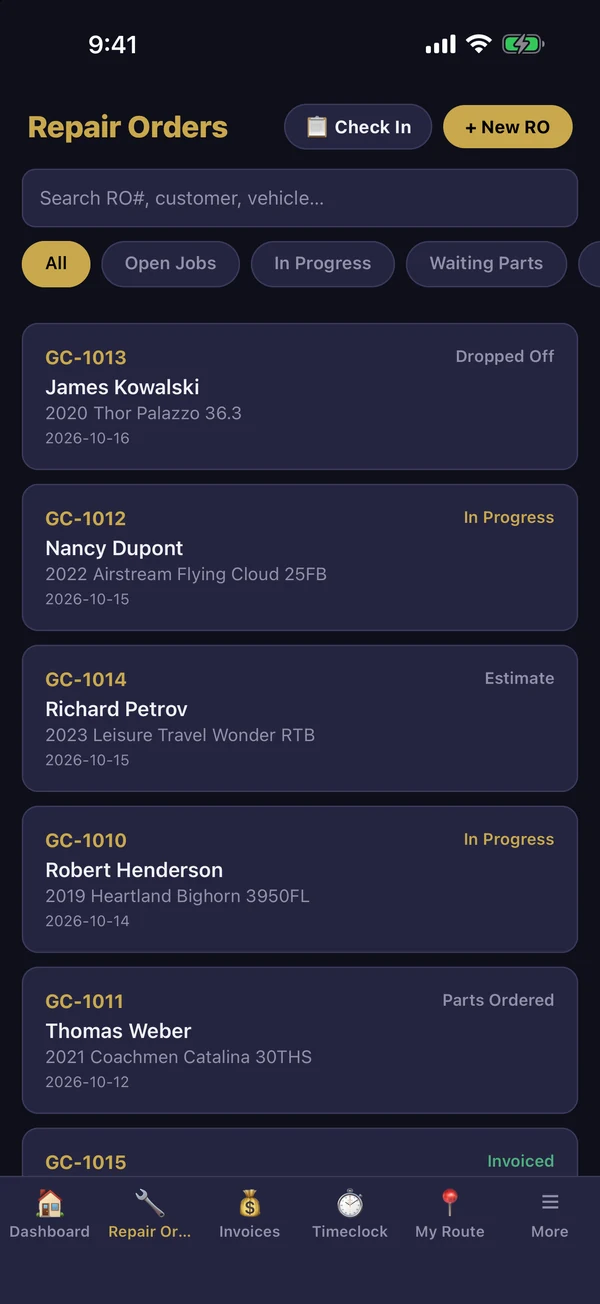
The tabs along the bottom
| Tab | What's there |
|---|---|
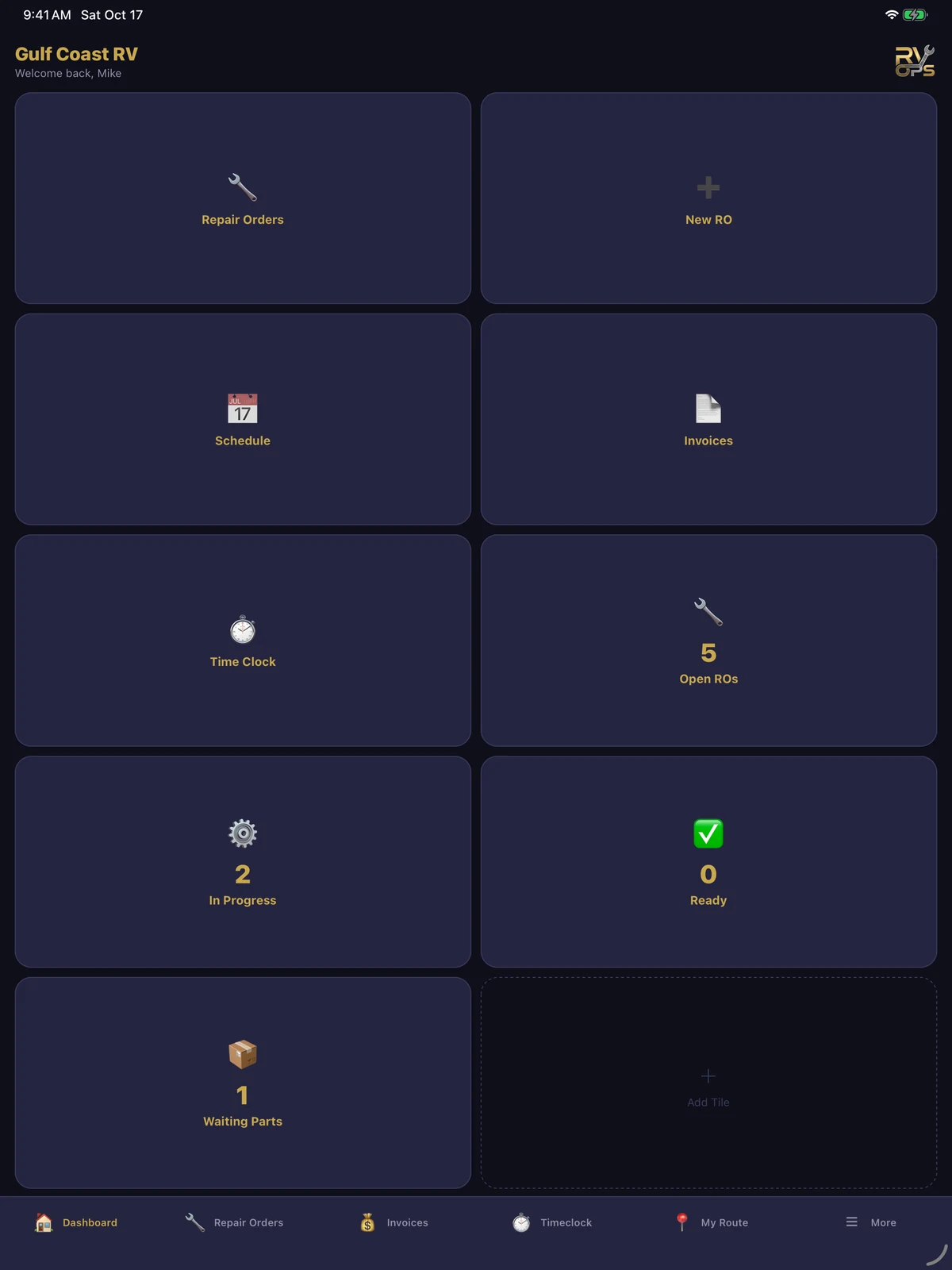
| Dashboard | Shortcut tiles and live counts — tap one to jump in |
| Repair Orders | Every RO you can see; tap one to work on it. Check In and + New RO are at the top. |
| Invoices | Invoices and payments (if your login allows it) |
| Timeclock | Clock in, lunch and clock out for your shift |
| My Route | Today's road calls (see Road Calls) |
| More | Everything else: customers, inventory, shop supplies, parts to order, purchase orders, schedule, dispatch board, reports and settings |
Make the dashboard yours
Tap + Add Tile on the dashboard, or More → Customize Dashboard, and pick the tiles you use most: Repair Orders, New RO, Check-In, Schedule, Time Clock, My Route, Scan Key Tag, Inventory and more, plus live counts like Open ROs, In Progress, Ready and Waiting Parts.
Notifications
Allow notifications when the app asks. You'll hear about new assignments, customer approvals, parts arrivals and messages. Choose which ones you get in the app's settings.
Phones and tablets
The app works in portrait and landscape and lays itself out for tablets — a tablet mounted in the bay or at the counter works well for check-ins and customer signatures.