 MarineOps
 Help Center › Your Account
Settings Tour
Where every setting lives.
Included in: Every plan
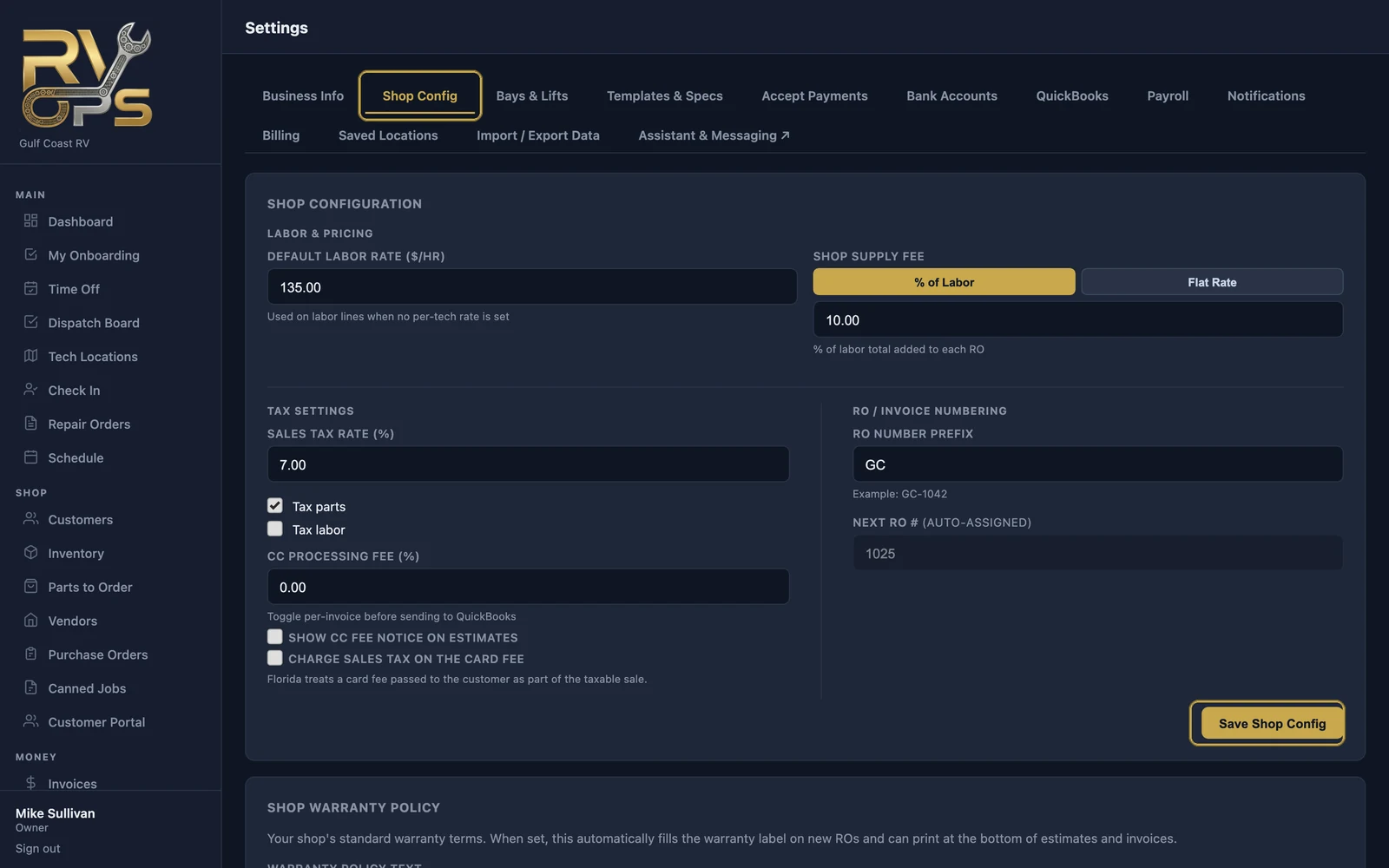
Everything about how MarineOps works for your shop lives under Settings at the bottom of the left menu. Only the owner, and anyone given the "Access business settings" permission, can see it.
| Tab | What's there | Read more |
|---|---|---|
| Business Info | Name, address, time zone, logo, customer portal address and portal usage | Setup |
| Shop Config | Labor rate, shop supplies, tax, RO numbering, warranty policy, Zebra printer, road calls, bay board | Setup |
| Bays & Lifts | Your bays, lifts and lots | Setup |
| Templates & Specs | Engine and generator specs, maintenance templates, labor guide, inspection templates, parts cross-references | Labor guide, Inspections |
| Accept Payments | Connect Square or Stripe, bank transfers | Payments |
| Bank Accounts | Bank feeds (Elite) | Bank feeds |
| QuickBooks | QuickBooks Online connection and sync (Pro) | QuickBooks |
| Notifications | Which emails customers get automatically, maintenance reminders, your dispatcher | Reminders |
| Billing | Your plan and subscription | Plans |
| Saved Locations | boat parks, campgrounds and storage yards for road calls | Road calls |
| Import / Export Data | Import spreadsheets, download all your data | Import, Export |
Your own login — name, password, notifications — is under your name at the bottom of the menu.
Still stuck? Send us a message (or email [email protected]) and tell us what you were trying to do — we answer within one business day.