 MarineOps
 Help Center › Your Account
Exporting Your Data
Download everything in MarineOps at any time.
Included in: Every plan
Your shop's data belongs to you. You can download all of it, any time, in plain spreadsheets that open in Excel or Google Sheets — to keep your own backup, to give your accountant, or to take with you.
Download everything
- Open Settings → Import / Export Data (or Settings → Billing).
- Click ⬇ Download all my data.
- You'll get a ZIP file of spreadsheets: customers, boats, repair orders and every line on them, invoices, payments, parts, vendors, purchase orders, staff, time clock, your labor guide and more — plus your HR documents.
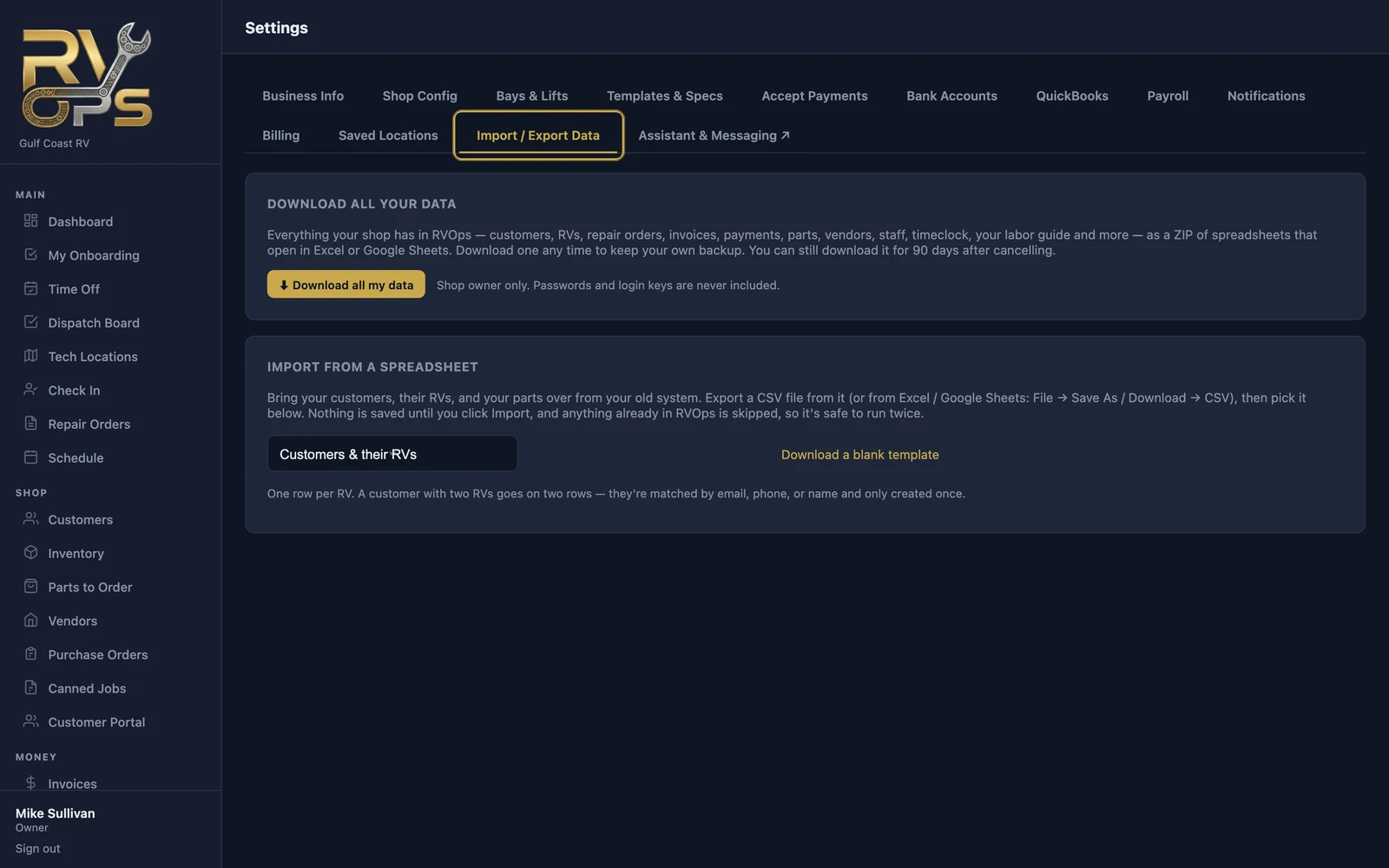
Only the shop owner can download it. Passwords and login keys are never included.
After cancelling
You can still download your data for 90 days after your subscription ends (see Cancelling).
Most reports also have their own ⬇ CSV button for just that report.
Still stuck? Send us a message (or email [email protected]) and tell us what you were trying to do — we answer within one business day.