 MarineOps
 Help Center › Repair Orders
Sublet Work
Bill work you send out to another shop.
Included in: Every plan
A sublet is work you send to another shop or vendor — a windshield, a frame alignment, upholstery — and bill to your customer. Adding it as a sublet keeps your cost and your price on the RO, so the job's profit is right and the customer sees one invoice from you.
Add sublet work
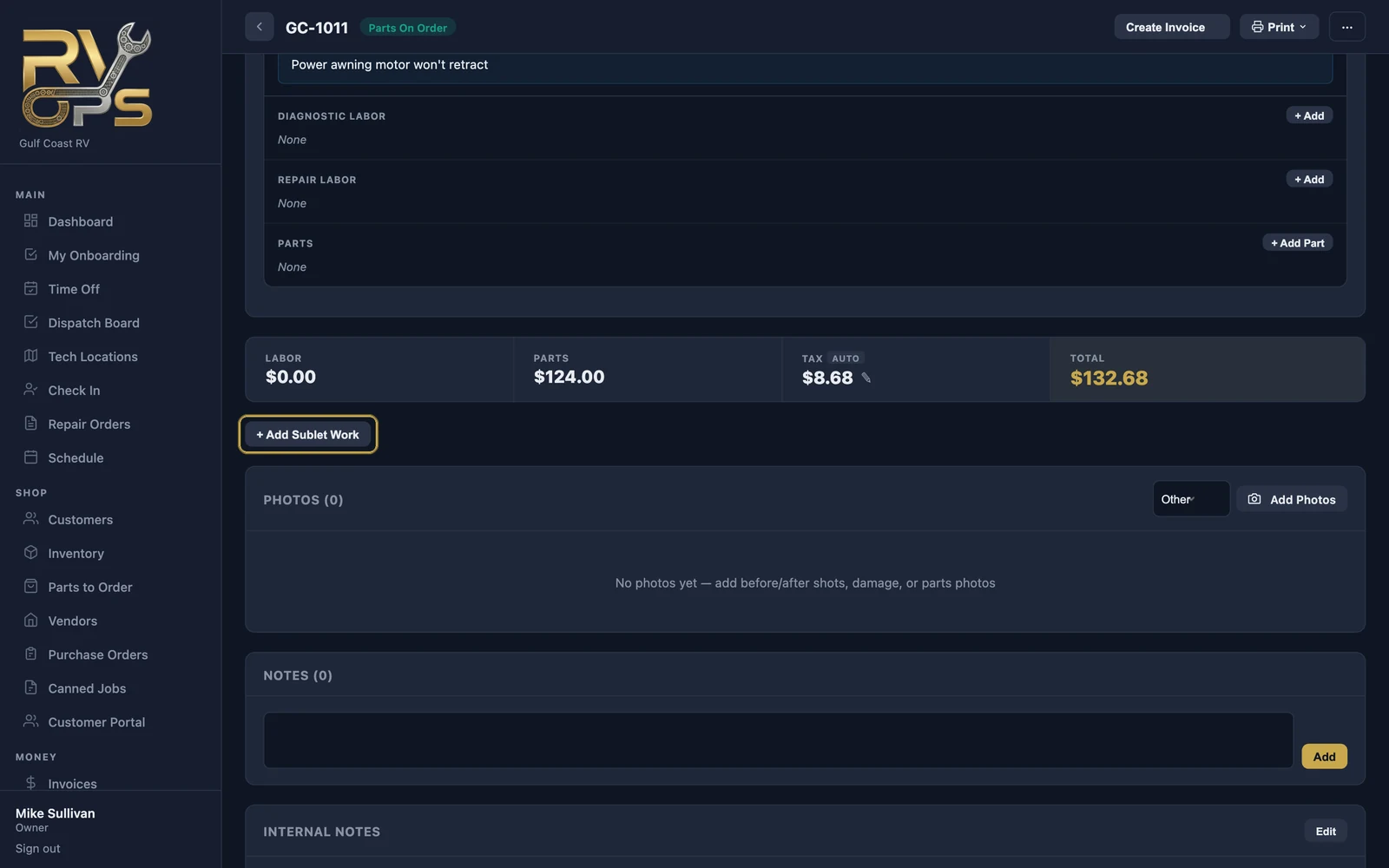
- Below the RO totals, click + Add Sublet Work.
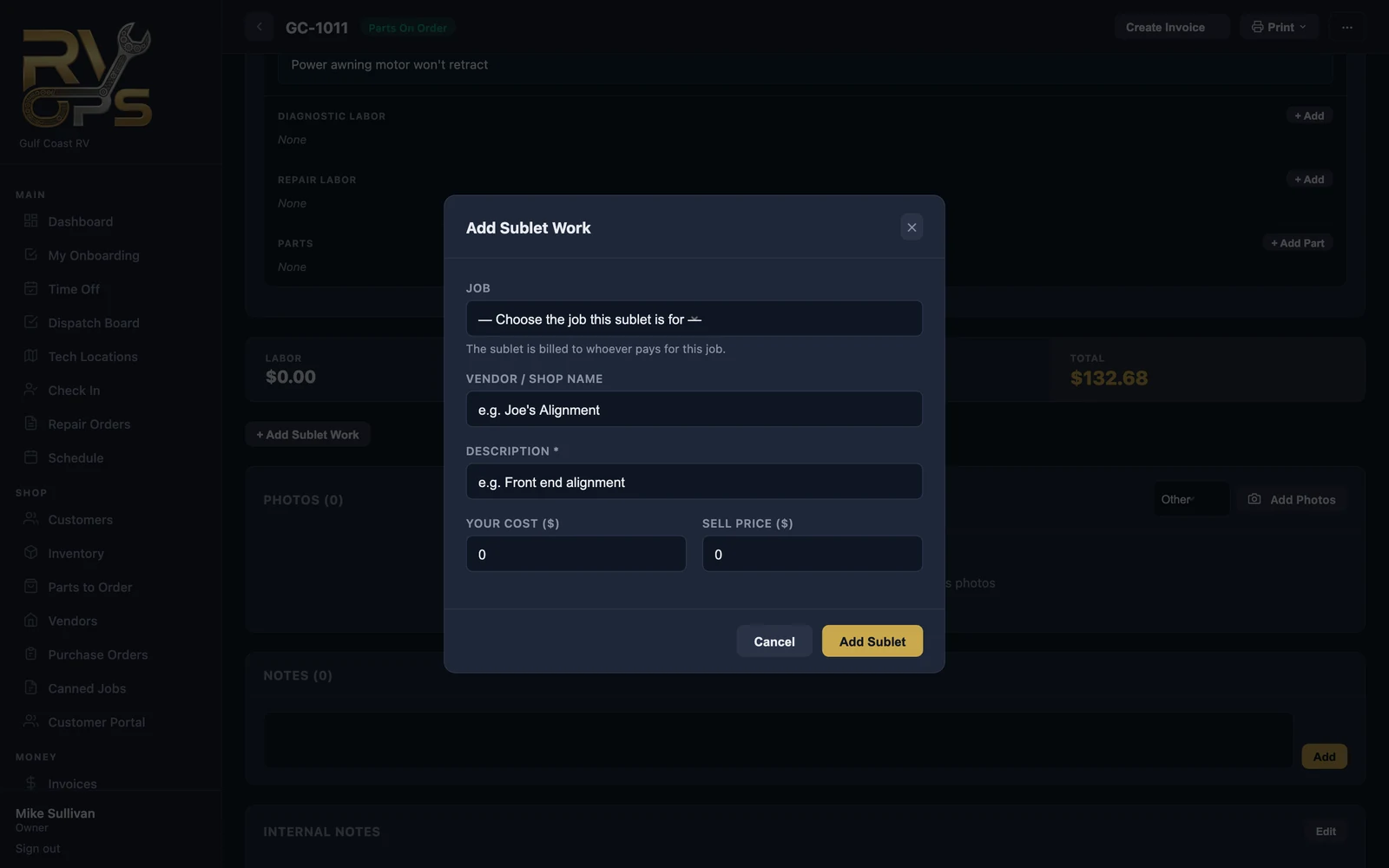
- Pick the job (concern) it belongs to. The sublet is billed to whoever pays for that job.
- Enter the vendor or shop name and a description the customer will read.
- Enter your cost and the sell price.
- Click Add Sublet.
While the boat is away, set the RO's status to Sublet Out so everyone can see why nobody's working on it. You can attach the vendor's invoice to the sublet line for your records.
Still stuck? Send us a message (or email [email protected]) and tell us what you were trying to do — we answer within one business day.