 MarineOps
 Help Center › Customers & Marketing
Team & Customer Messages
Chat with your team and answer customers.
Included in: Every plan
MarineOps has two kinds of messages: team messages between your staff, and customer messages from the customer portal.
Team messages
Open Team → Messages.
- Team Chat — one channel for everyone.
- Direct messages — click + New to message one person.
- RO Messages — conversations attached to a specific repair order, so the discussion stays with the job.
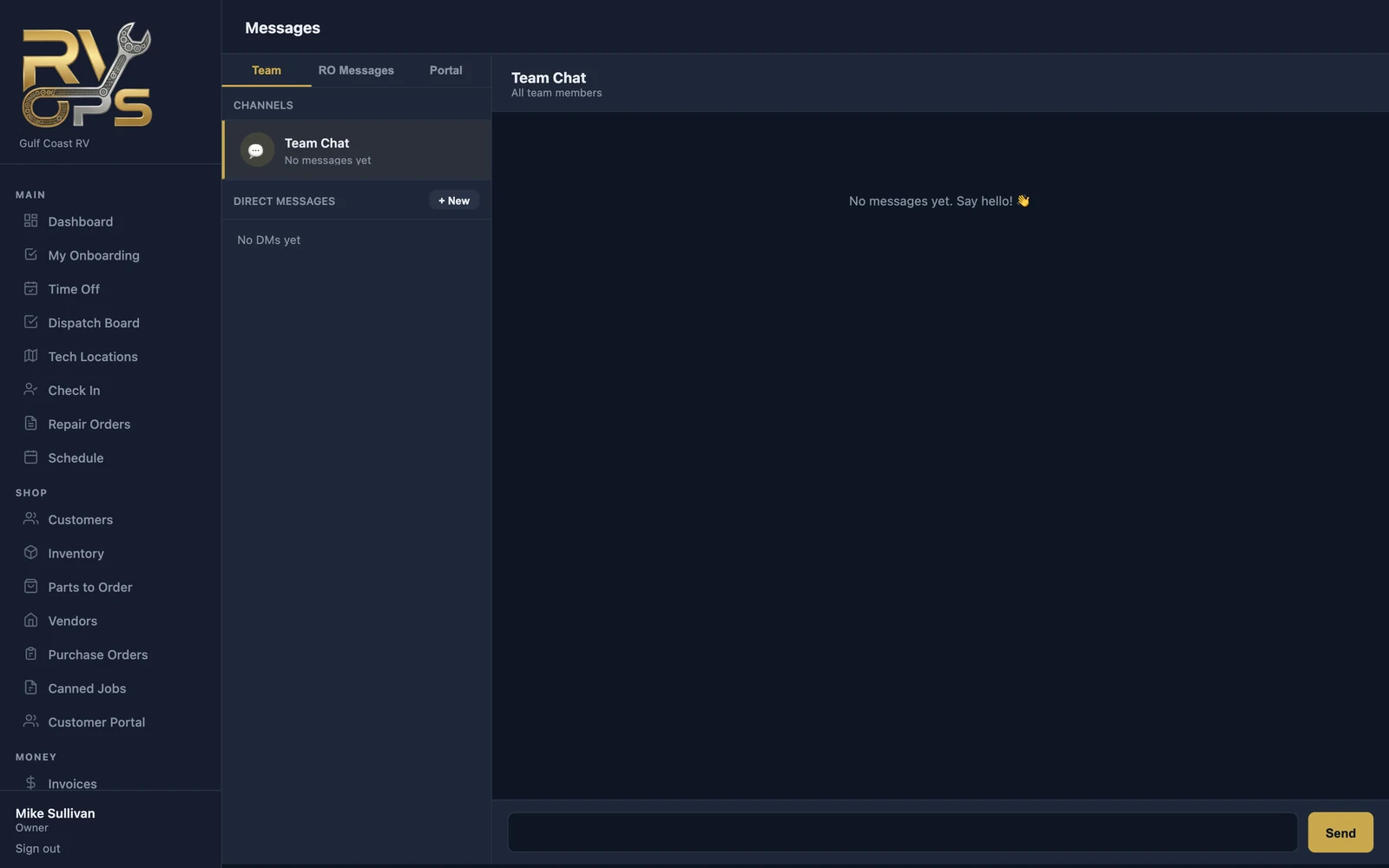
Messages show up instantly in the tech app with a notification, so the office can reach a tech in the bay or on a road call.
Customer messages
Customers can message you from the Messages tab of their portal. Their messages appear on the Portal tab of Team → Messages and in the Customer Messages section of their repair order, where anyone on your team can answer.
Notifications
Each person chooses which notifications they get (new messages, assignments, parts arrivals, approvals) from 🔔 Notifs next to their name on Team → Staff, or in the tech app's settings.
Still stuck? Send us a message (or email [email protected]) and tell us what you were trying to do — we answer within one business day.