 MarineOps
 Help Center › Shop Tools
Digital Inspections
Checklists with photos that turn failed items into estimate lines.
Included in: Pro plan and up
Digital inspections are checklists your techs work through on a tablet or phone: pass, fail or advisory on each item. Anything that fails or needs attention can go straight onto the estimate, so a 26-point annual inspection turns into approved work instead of a clipboard in a drawer.
Set up your checklists
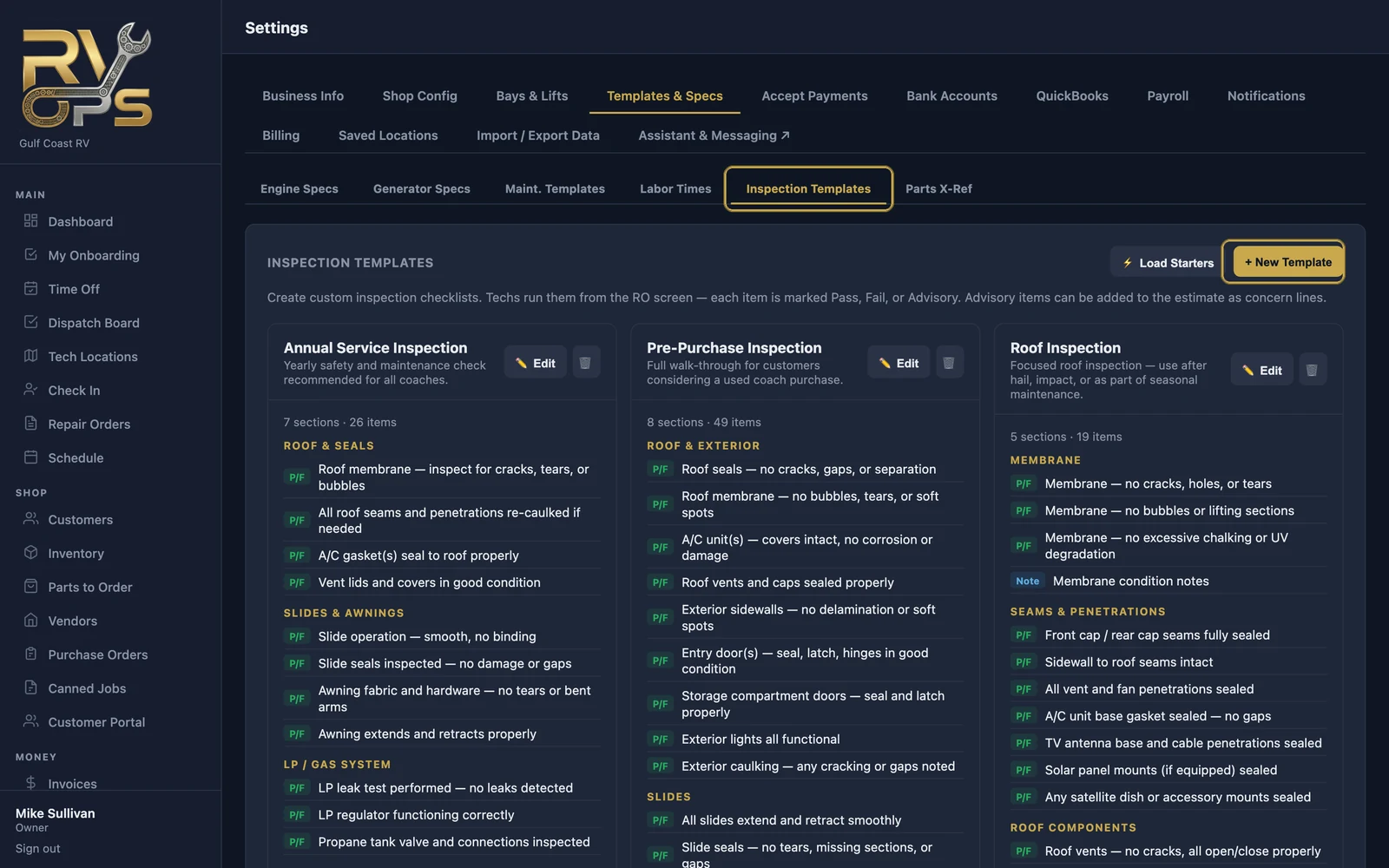
- Open Settings → Templates & Specs → Inspection Templates.
- Click ⚡ Load Starters to add ready-made checklists like the Annual Service Inspection (roof and seals, slides and awnings, LP system, safety devices, chassis and more).
- Click ✏️ Edit on any template to change, add or remove items — or + New Template to build your own, like a PDI or pre-purchase inspection.
Run an inspection
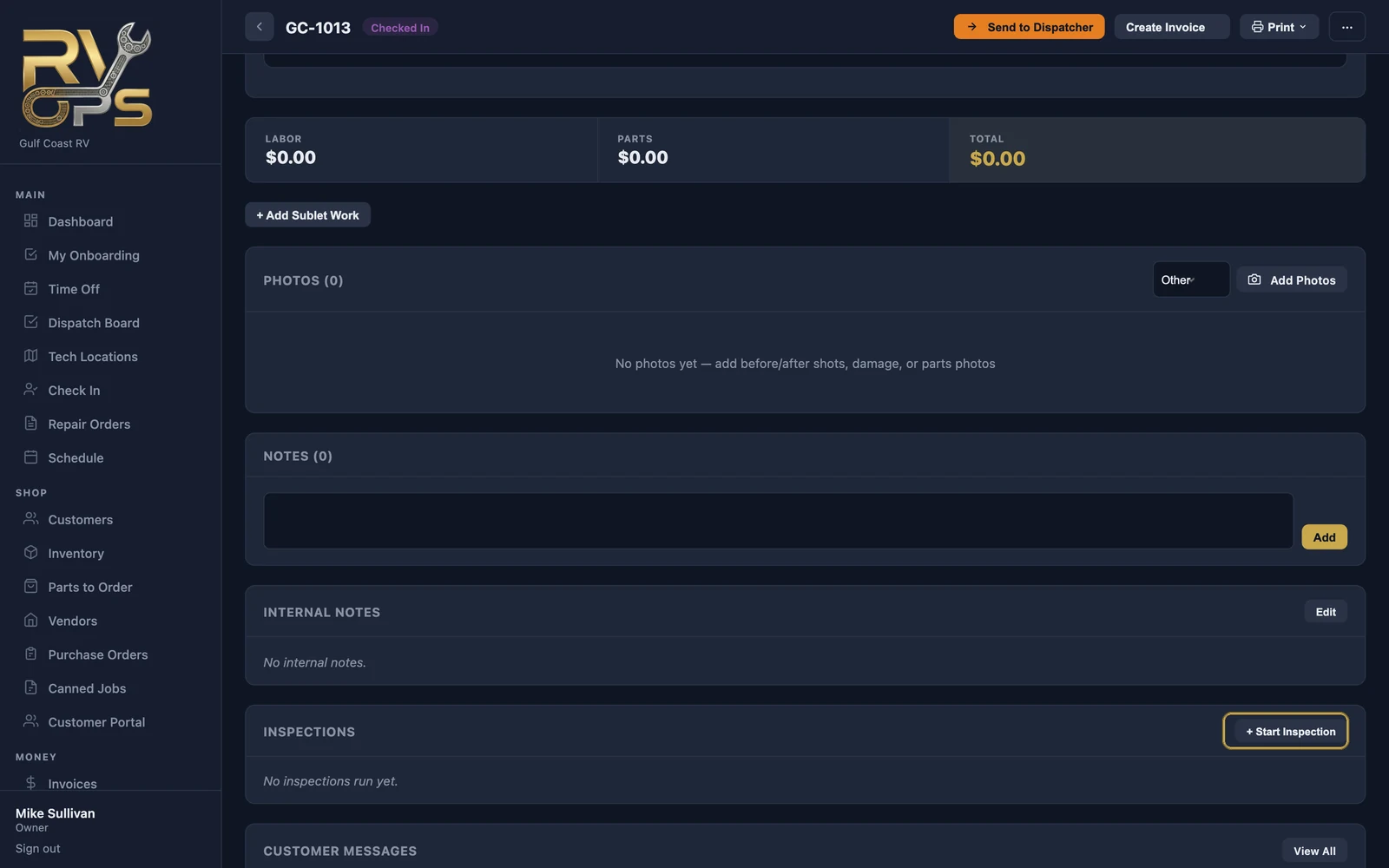
- On the repair order, scroll to Inspections and click + Start Inspection.
- Pick the template.
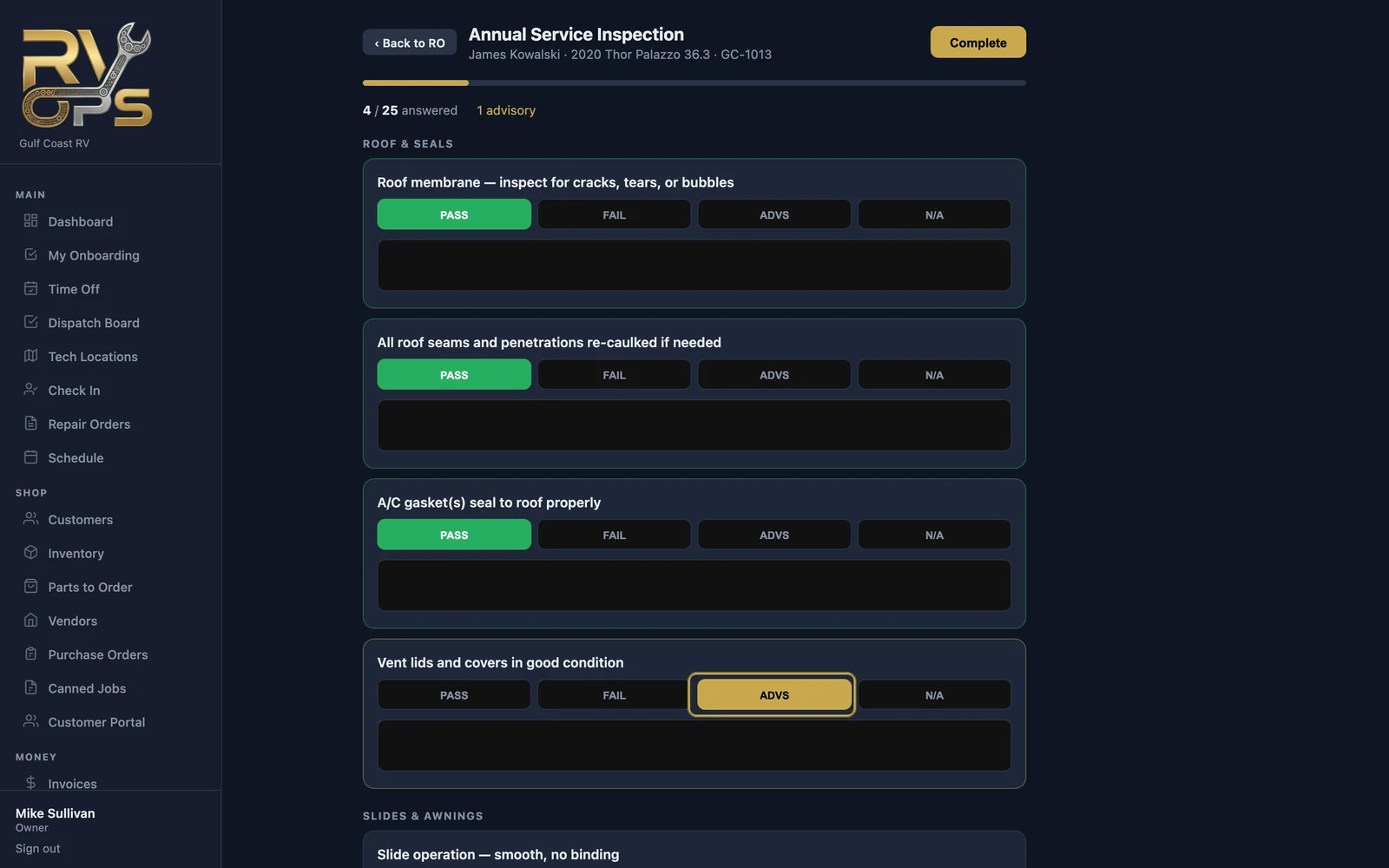
- Work through each item: PASS, FAIL, ADVS (advisory — not failed yet, but the customer should know) or N/A. Progress shows at the top.
- Click Complete when you're done.
Turn findings into work
From the completed inspection on the RO, add the failed and advisory items to the repair order as concerns — usually as Recommendations — then price them and send the estimate.
Completed inspections appear in the customer's portal under Inspections.
Still stuck? Send us a message (or email [email protected]) and tell us what you were trying to do — we answer within one business day.