 MarineOps
 Help Center › Repair Orders
Photos & Tech Notes
Document the boat and share photos with the customer.
Included in: Every plan
Photos protect you and sell the work. A picture of a cracked roof seal or a burned connector gets an estimate approved faster than any description, and walk-around photos settle "that dent was already there" in seconds.
Add photos
- Scroll to Photos on the RO.
- Pick what kind of photo it is: Before, After, Damage, Parts, Model plate or Other.
- Click Add Photos and choose one or more pictures. On a phone or tablet this opens the camera.
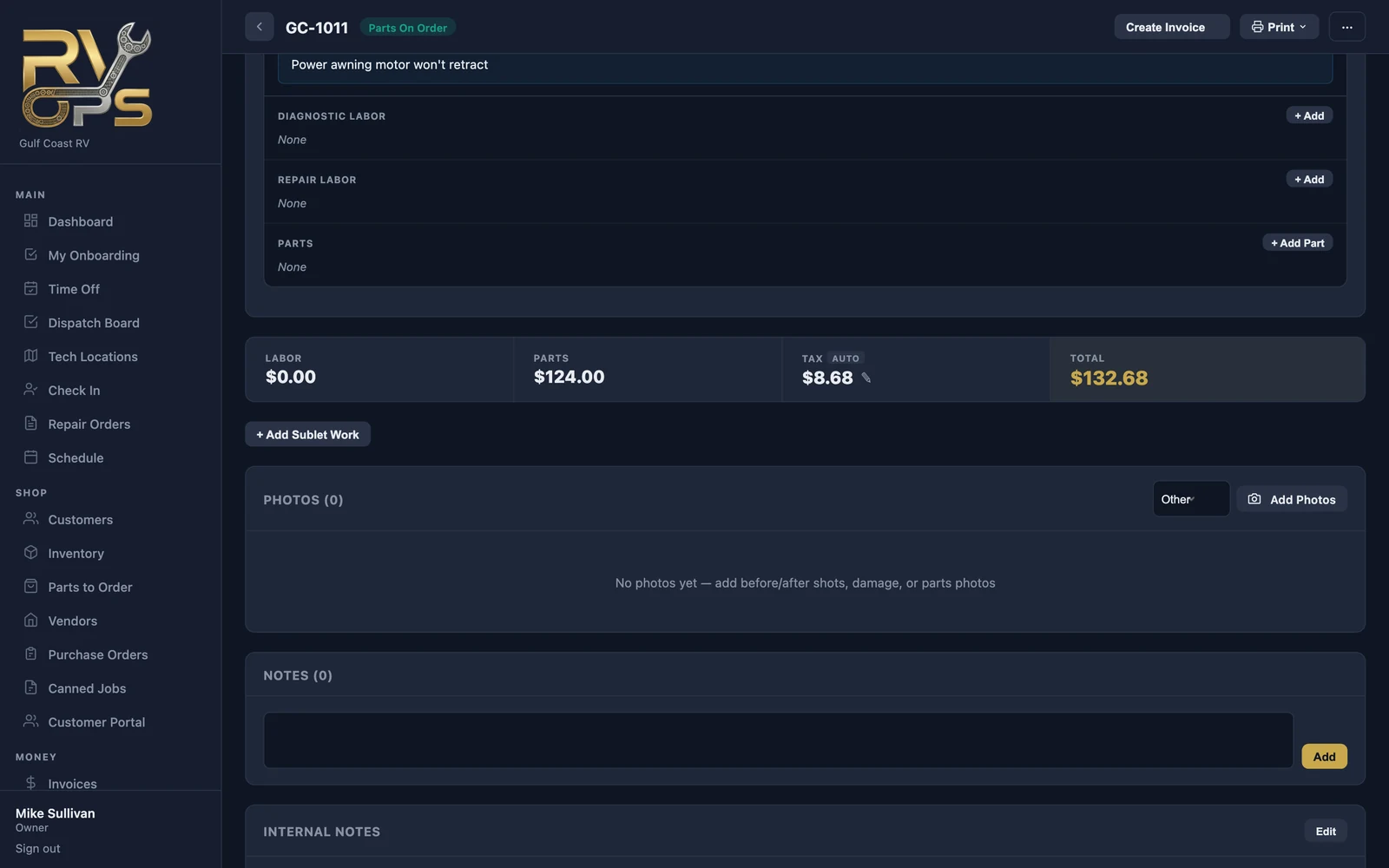
Techs usually take photos from the tech app while they work — they show up on the RO right away.
Share photos with the customer
Each photo has a lock button. 🔒 means only your team can see it; click it to switch to 👁 and the customer sees it in their portal. Share the ones that explain the work, keep the rest private.
Three kinds of notes
| Note | Where | Who sees it |
|---|---|---|
| Tech notes | Inside each concern | Your team — the working log for that job |
| Notes | Below photos | Your team — general notes about the visit |
| Internal notes | Below notes | Your team only, never printed — gate codes, "customer prefers texts", reminders |
What the customer reads is the concern, cause and correction on each job (see Concerns).
Still stuck? Send us a message (or email [email protected]) and tell us what you were trying to do — we answer within one business day.