 MarineOps
 Help Center › Money & Reports
Reports Overview
Which report answers which question.
Included in: Every plan
Reports (in the Money section of the menu) answers the money questions about your shop. Pick a date range at the top — This Week, Last Month, This Quarter, YTD, Full Year or any custom dates — then pick a report.
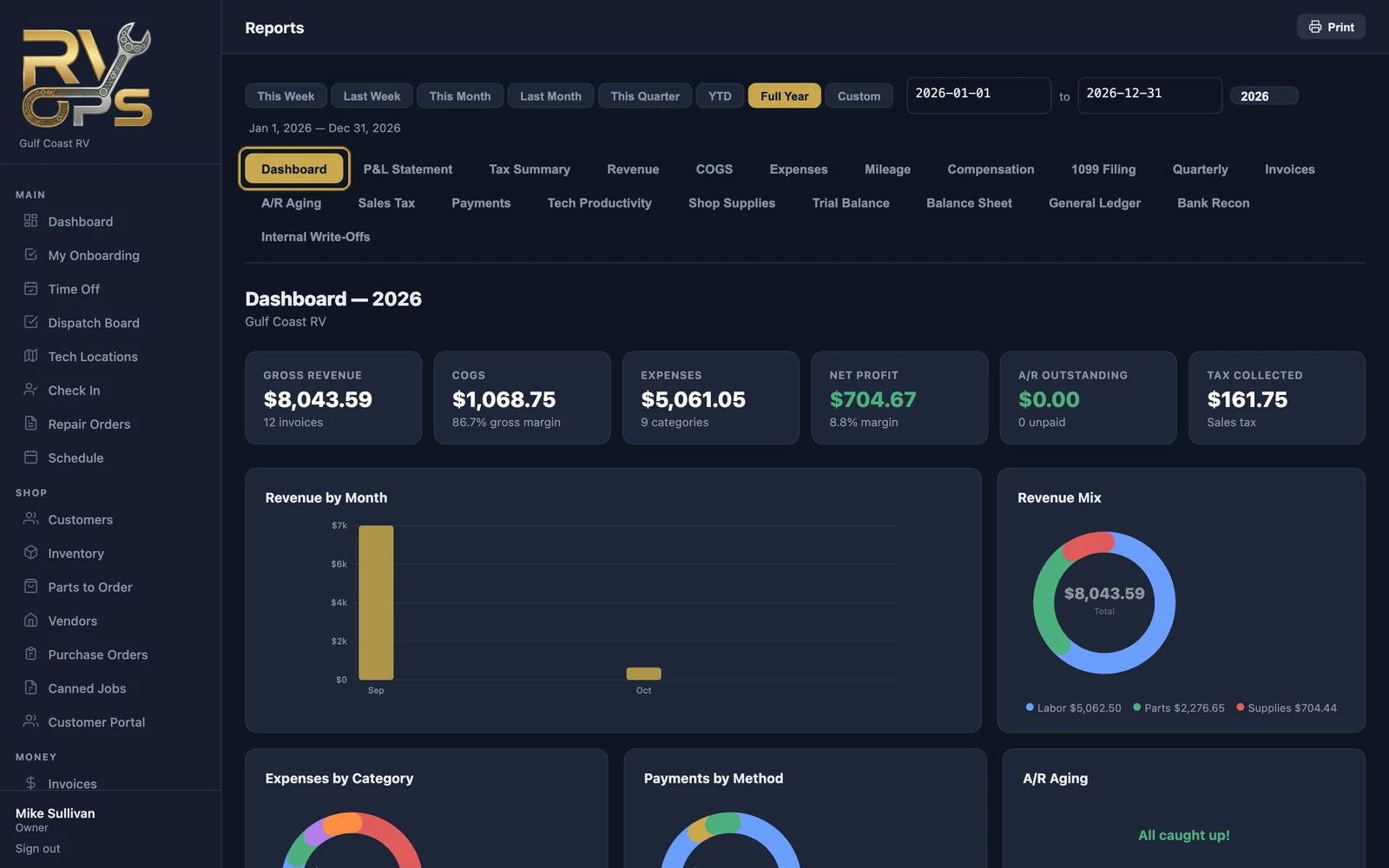
Which report answers which question
| Question | Report | Plan |
|---|---|---|
| How's business overall? | Dashboard | Every plan |
| How much did we bring in, and from labor vs. parts? | Revenue | Every plan |
| Which invoices are paid or open? | Invoices | Every plan |
| Who owes us, and how overdue? | A/R Aging | Every plan |
| How much sales tax did we collect? | Sales Tax | Every plan |
| How did customers pay? | Payments | Every plan |
| What did techs use in shop supplies? | Shop Supplies | Every plan |
| Did we make money? | P&L Statement | Pro |
| What do I give my accountant? | Tax Summary, Quarterly, 1099 Filing | Pro |
| What did parts cost us? | COGS | Pro |
| Where's the money going? | Expenses, Engine hours, Compensation | Pro |
| Which techs are most productive? | Tech Productivity | Pro |
| Full books | Trial Balance, Balance Sheet, General Ledger | Pro |
| Do our books match the bank? | Bank Recon | Elite |
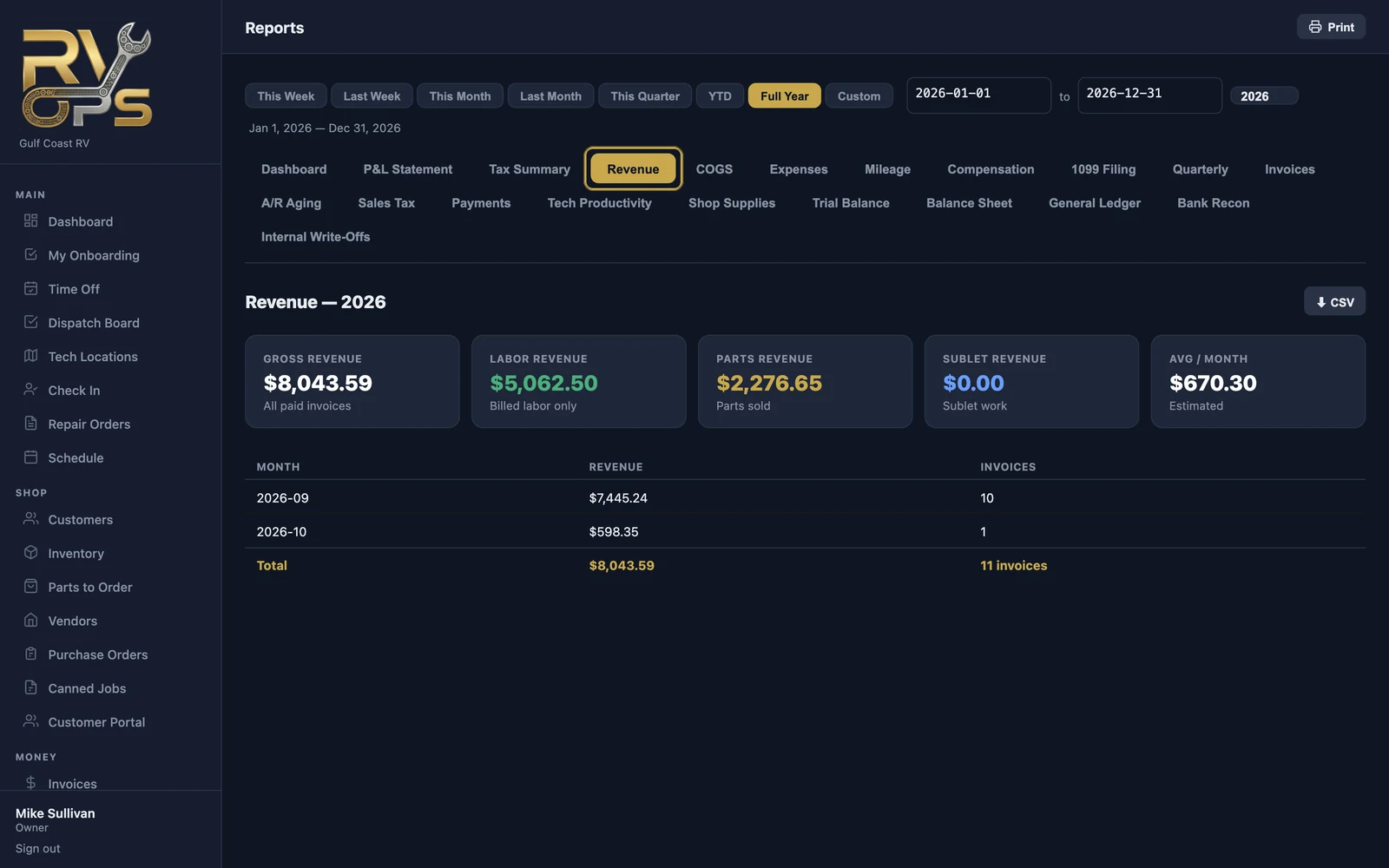
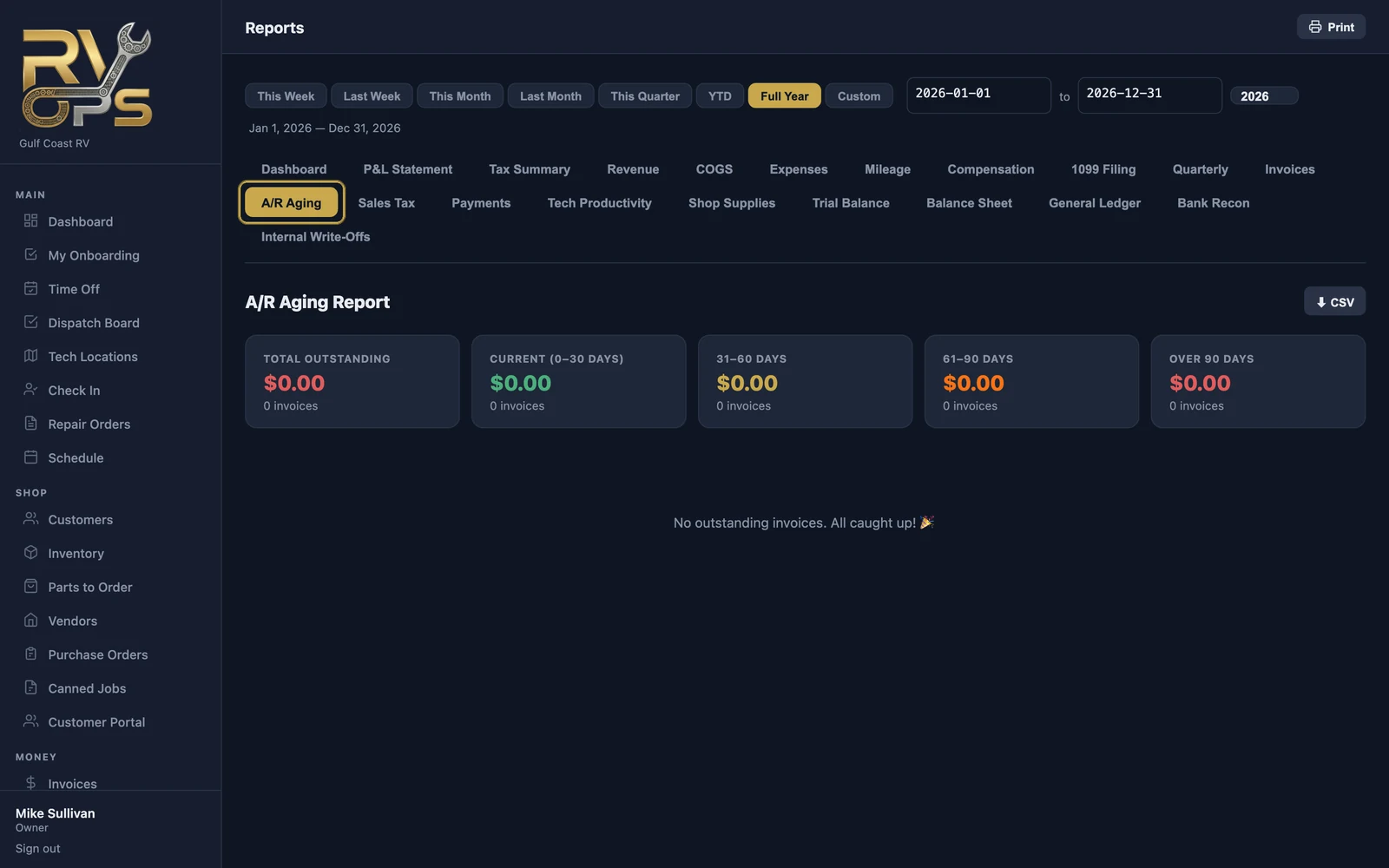
Exporting and printing
Most reports have ⬇ CSV to open in Excel or Google Sheets, and 🖨 Print for a paper or PDF copy.
Who can see financial reports is controlled by the "View financial reports & revenue data" permission (staff permissions).
Still stuck? Send us a message (or email [email protected]) and tell us what you were trying to do — we answer within one business day.