MarineOps
 Shop Supplies & Cores
Two things every shop deals with that don't fit neatly on a parts line: the shop supplies techs use up every day, and core charges on rebuildable parts.
The shop supply fee on repair orders
Most shops add a small fee to each RO to cover rags, cleaners, sealant and other consumables. Set it once under Settings → Shop Config → Shop Supply Fee — a percent of labor or a flat amount. It's added to every RO automatically and you can override it on any invoice with ✎.
Tracking supplies you stock
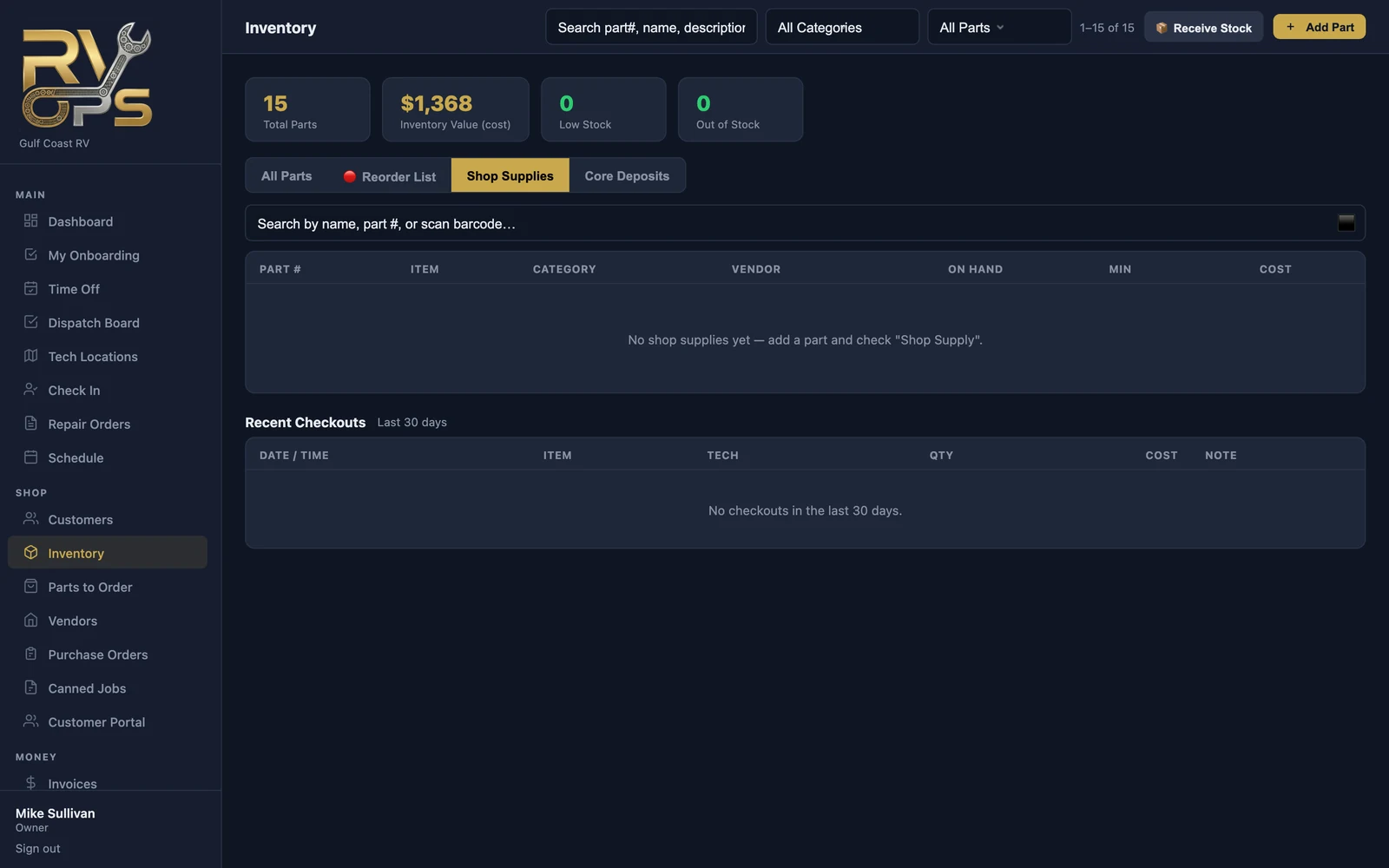
To track what's actually used, add those items to your parts list with Shop Supply ticked. They show on Inventory → Shop Supplies instead of being sold to customers.
- Techs check supplies out from the tech app (More → Shop Supplies): scan or pick the item and the quantity.
- Stock goes down and the checkout is logged with who took it and when.
- Inventory → Shop Supplies shows what's on hand and the last 30 days of checkouts.
Core charges
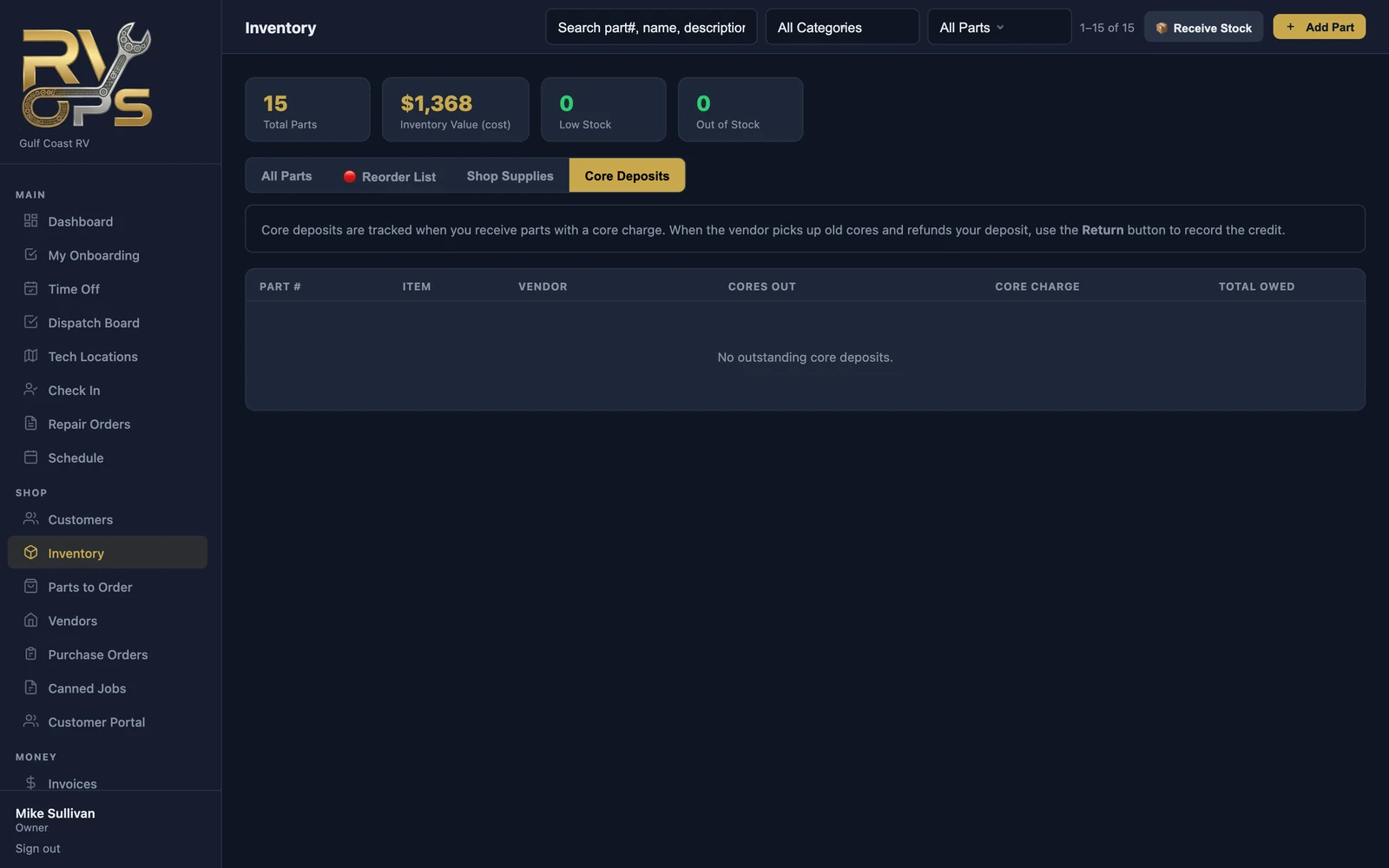
Give a part a core charge on its inventory record. When you receive that part, MarineOps tracks the core you owe back to the vendor. When the vendor picks up the old cores and credits you, open Inventory → Core Deposits and click Return to record the credit.