 MarineOps
 Help Center › Getting Started
Installing the Tech App
Get MarineOps on every tech's phone or tablet.
Included in: Every plan
The MarineOps tech app puts the shop in your techs' pockets: their assigned repair orders, clocking in and out of jobs, photos, notes, parts scanning and road calls. It works on iPhone, iPad and Android phones and tablets, and uses the same login as the web app.
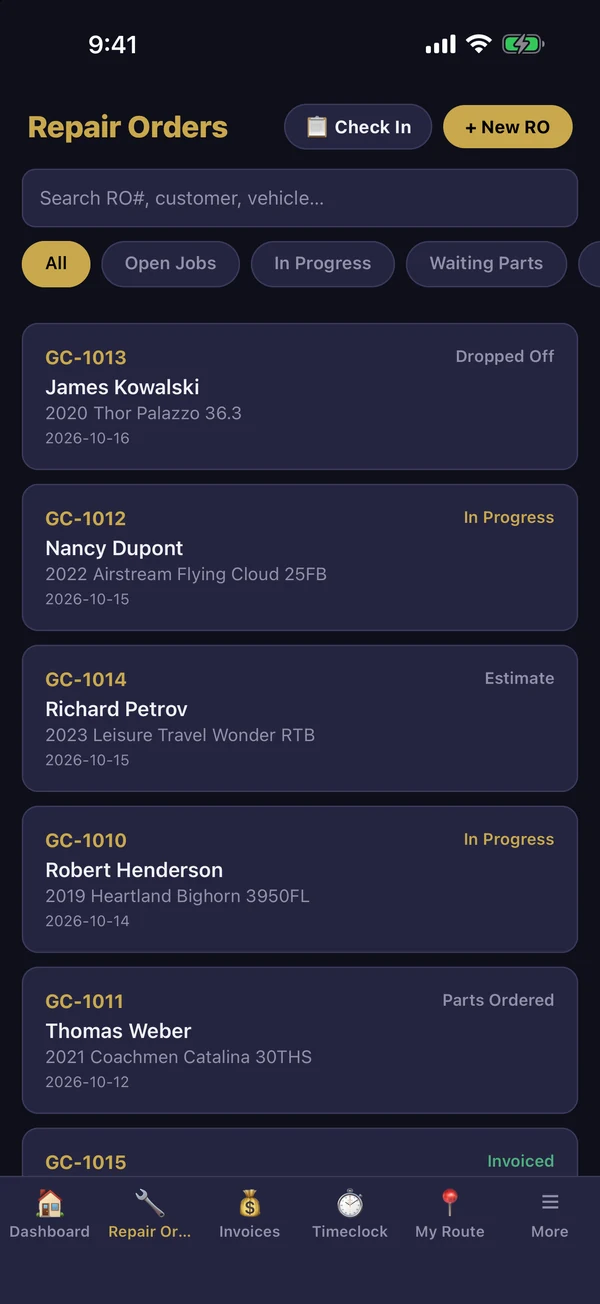
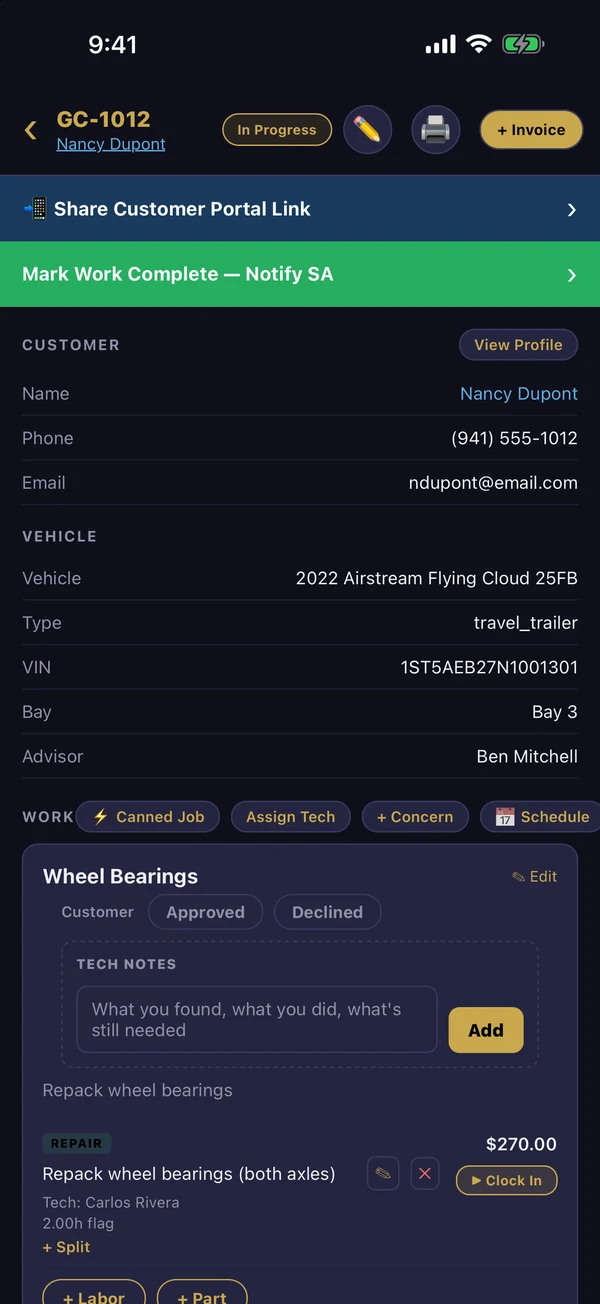
Install it
- iPhone / iPad: open the App Store and search MarineOps. Android: open Google Play and search MarineOps.
- Install and open the app.
- Sign in with the email and password from Team → Staff (see Adding Staff).
- Allow notifications when asked, so techs hear about new assignments, approvals and parts arrivals.
- Allow the camera when they first take a photo or scan a part.
The apps are rolling out to the App Store and Google Play. If you can't find MarineOps in your store yet, email [email protected] and we'll get your shop set up.
Shared shop tablets
If several techs share one tablet, each tech signs out when they're done (More → Sign Out) so their time and work stay under their own name.
Updates
Most improvements arrive automatically — the app shows a small banner and updates itself the next time it's opened. Bigger updates come through the App Store or Google Play like any other app.
Next: Tech App Tour.
Still stuck? Send us a message (or email [email protected]) and tell us what you were trying to do — we answer within one business day.